1/
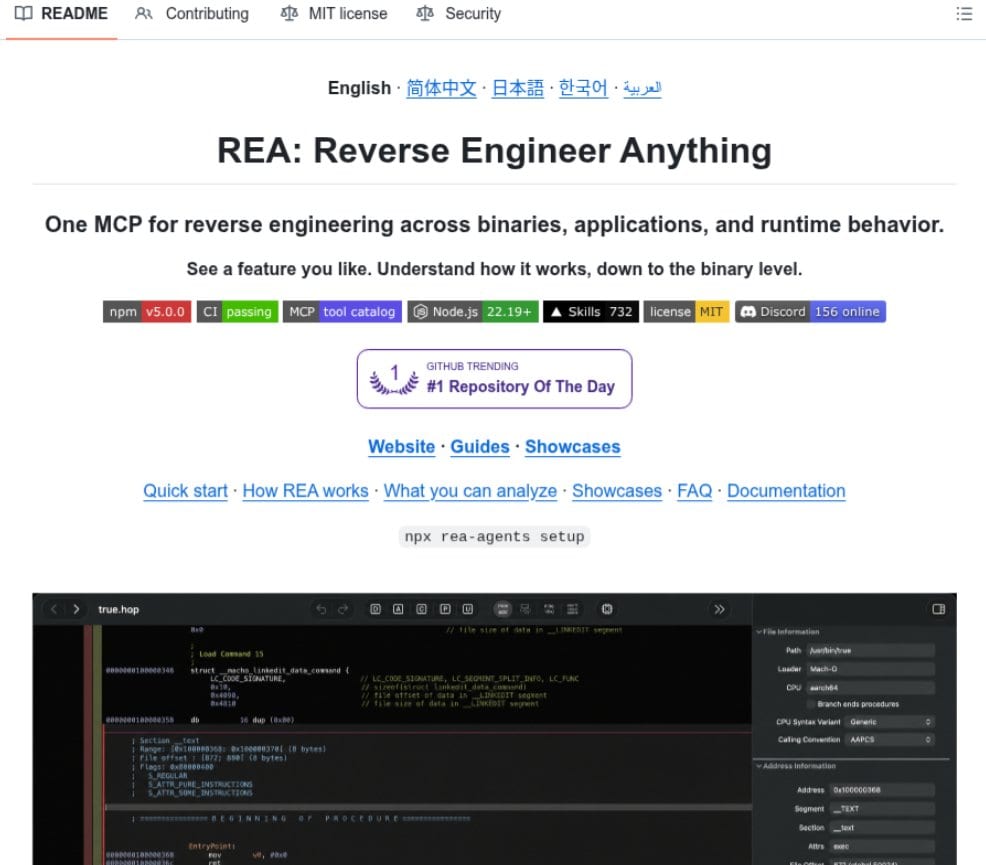
REA: Reverse Engineer Anything (18k stars) What it does All text below is quoted directly from the project README. One MCP for reverse engineering across binaries, applications, and runtime behavior. See a feature you like. Understand how it works, down to the binary level. See a feature in an app that you want in your own product? Ask your agent to investigate it with REA. It can inspect the app without its source code, explain how the feature works, show the evidence, and build a version for your project. REA connects your agent to tools for inspecting native binaries, JavaScript and Electron apps, .NET assemblies, and websites. You can also use the same tools from your terminal. Analysis runs locally, and results include the evidence and limitations behind each conclusion. What you can analyze: Native binaries: Pseudocode, assembly, strings, symbols, calls and references Offline ELF layout: Sections, segments, original symbols/relocations and static mitigation candidates JavaScript / Electron: Modules, imports, source maps, routes, IPC and native add-on relationships Websites: Page structure, scripts, network observations and requested screenshots Saved network captures: Requests, responses, exposed payloads and source locations .NET assemblies: Metadata, CIL instructions, declared native dependencies and build comparisons Android APKs: Manifest declarations, classes, decompiled methods and references Firmware: Regions, extraction results and native-analysis handoffs Packages and resources: File inventories, digests, plists, Apple bundle anatomy and extracted resources Process behavior: Terminal output, interactions, exit and filesystem observations, and run comparisons With Node.js and npm installed, run: npx rea-agents setup Repository https://github.com/morluto/rea Main contributor @morluto https://x.com/morluto