morluto@morluto
morluto/rea
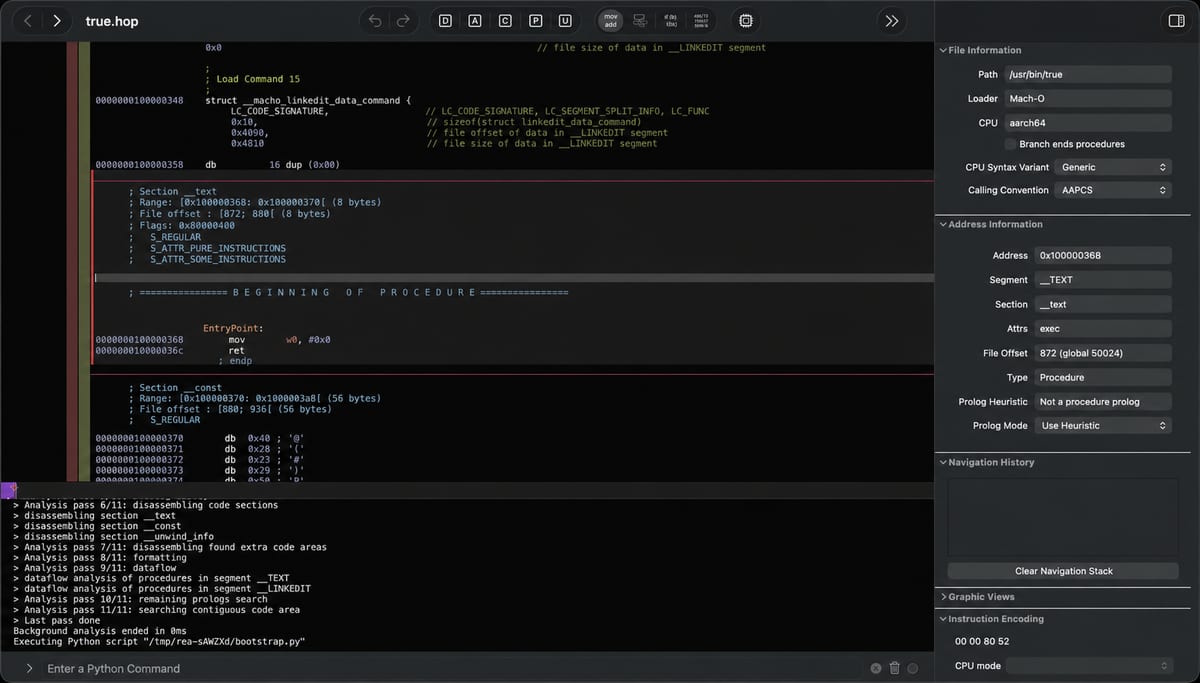
Reverse engineer anything with agents, from app behavior down to native binaries.
morluto/rea
REA is an open-source MCP server for reverse engineering: it lets an AI agent analyse software, from app behaviour down to native binaries. It is MIT licensed (third-party material keeps its own licences). Project site: https://rea.tools
Run npx rea-agents setup. It lets you choose your agents, review the proposed changes and approve them; it adds REA's MCP server and workflow instructions and backs up your existing configuration. Restart your agent afterwards. Named agents: Claude Code, Codex, Cursor, Gemini CLI and Grok Build; other MCP clients can register it manually (see the project documentation).
For the terminal: npm install --global rea-agents, then rea --help.
Native binaries (through Hopper, Ghidra or IDA), JavaScript and Electron apps, websites, .NET assemblies, Android APKs and devices, Flutter apps, Go binaries, WebAssembly, EVM bytecode, SQLite databases, firmware, packet captures, logic recordings, Linux crash recordings, process behaviour and HAR / mitmproxy captures. Each target type has its own requirements.
The project states that REA is for lawful research, education, interoperability, software preservation and analysis of software you own or are authorised to examine. It grants no licence for commercial tools; cracked copies, stolen keys and licence bypassing are not authorised.
This entry is the official project. REA MCP (this site) is an unofficial community directory and is not affiliated with it.
当前的安装步骤请以项目的 README 为准,命令可能会变化。
npx rea-agents setup
REA is an open-source MCP server for reverse engineering: it lets an AI agent analyse software, from app behaviour down to native binaries. It is MIT licensed (third-party material keeps its own licences). Project site: https://rea.tools
Run npx rea-agents setup. It lets you choose your agents, review the proposed changes and approve them; it adds REA's MCP server and workflow instructions and backs up your existing configuration. Restart your agent afterwards. Named agents: Claude Code, Codex, Cursor, Gemini CLI and Grok Build; other MCP clients can register it manually (see the project documentation).
For the terminal: npm install --global rea-agents, then rea --help.
Native binaries (through Hopper, Ghidra or IDA), JavaScript and Electron apps, websites, .NET assemblies, Android APKs and devices, Flutter apps, Go binaries, WebAssembly, EVM bytecode, SQLite databases, firmware, packet captures, logic recordings, Linux crash recordings, process behaviour and HAR / mitmproxy captures. Each target type has its own requirements.
The project states that REA is for lawful research, education, interoperability, software preservation and analysis of software you own or are authorised to examine. It grants no licence for commercial tools; cracked copies, stolen keys and licence bypassing are not authorised.
This entry is the official project. REA MCP (this site) is an unofficial community directory and is not affiliated with it.

Practical setup notes for running REA on Fedora-based Linux, with the problems hit along the way and a queue of tests.
A show-and-tell thread on keeping token use down in REA workflows and what other people are using.

A Chinese-language technical survey of how REA lets a coding agent analyse software without its source code.