

morluto@morluto
Reverse engineer anything with agents, from app behavior down to native binaries.
REA (Reverse Engineer Anything)
Stars 470.4K
Real cases of what people did with REA (Reverse Engineer Anything), the open-source MCP server for reverse engineering, each with its original source.
50 casesReverse engineer anything with agents, from app behavior down to native binaries.
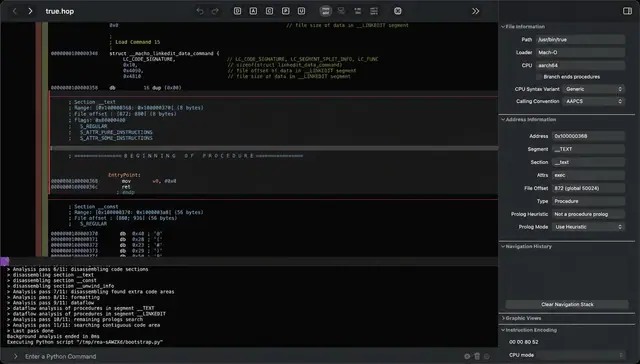
A step-by-step tutorial on setting up REA (Reverse Engineer Anything, an MCP server + CLI) with Ghidra and Claude Code on macOS, including commands to install Ghidra, build the missing Mac decompiler, register REA, verify it with rea doctor, and use it to decompile a self-written locked binary.
A 5-minute video explaining what REA (Reverse Engineer Anything, rea-agents 6.4.0) is, how to set it up as an MCP server with Claude Code via Node.js, JDK and Ghidra, and what reverse engineering can and cannot do. The demo runs a blind test on Command & Conquer: Red Alert, checking REA's 8 claims against EA's GPL v3 source code; 7 of 8 were exactly right, with the single miss illustrating where human judgement is still needed.
A video tutorial that installs and sets up REA (Reverse Engineer Anything) with Claude Code and MCP on Windows, then demonstrates a static analysis of VS Code, covering its Electron version, security switches, network endpoints, and processes, plus troubleshooting of common setup errors.
One sponsored card rotates in after every 6 projects
Advertise here
Open-source CLI and MCP server inspired by REA that reverse-engineers a company's public marketing machine — paid ads, organic social, SEO, founders, funnel — into an evidence-cited playbook.
A 16-minute Tech2AI tutorial that walks through the open-source REA project with Claude Code: explaining the REA toolbox, configuring Claude for development, installing and verifying the REA framework, and finally building a mind-mapping app from scratch while using REA to understand existing software functionality. The description links to the morluto/rea GitHub repository and includes a chapter list.
A Hindi-language beginner tutorial that demonstrates installing and using REA (Reverse Engineer Anything) inside Claude Code to analyse apps, websites, Android APKs and Electron apps and rebuild a clone of them, with prompt templates and several worked examples.
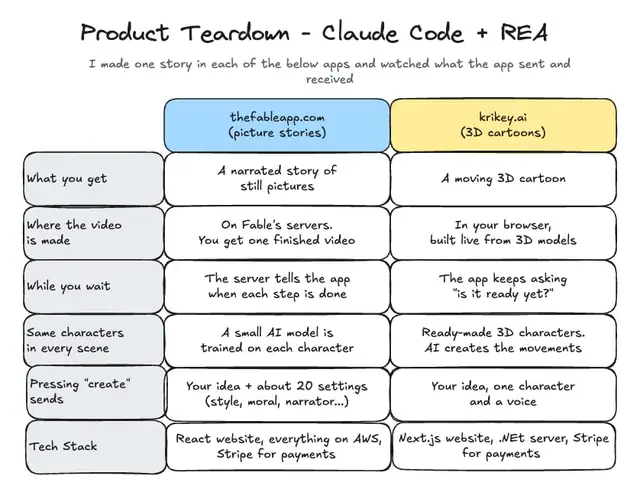
The author describes using REA together with Claude Code to reverse engineer AI story-animation products: they recorded the requests and responses (field names only) while using each app, then had Claude turn the captured traffic into a structured teardown report covering tech stack and design decisions. They packaged this as a free 'product-teardown' skill shared on GitHub for use in Claude Code or Codex.
One sponsored card rotates in after every 6 projects
Advertise hereA step-by-step YouTube tutorial on installing the REA (Reverse Engineer Anything) GitHub skill into Claude Code and using it to analyse an app, with a demo that analyses the open-source Excalidraw website and rebuilds a simplified version.
A 16-minute YouTube walkthrough of REA (Reverse Engineer Anything) showing how to install the REA MCP server, connect it to Claude Code, Codex and Cursor, and use it to read websites, desktop apps and mobile UI in order to rebuild them as your own clean apps. The author links the MIT-licensed REA repository and states that only apps you own or that are open-source should be reverse engineered.
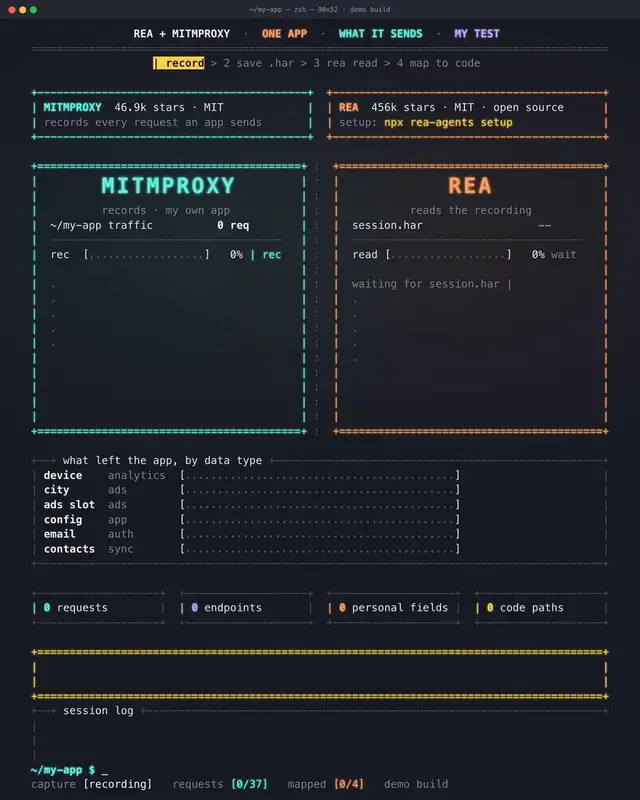
A post showing how to pair mitmproxy with rea-agents: capture an app's network session as a .har file, run npx rea-agents setup, then ask Claude Code to list every request carrying user data and the code that sent it.
 ▶ ♫
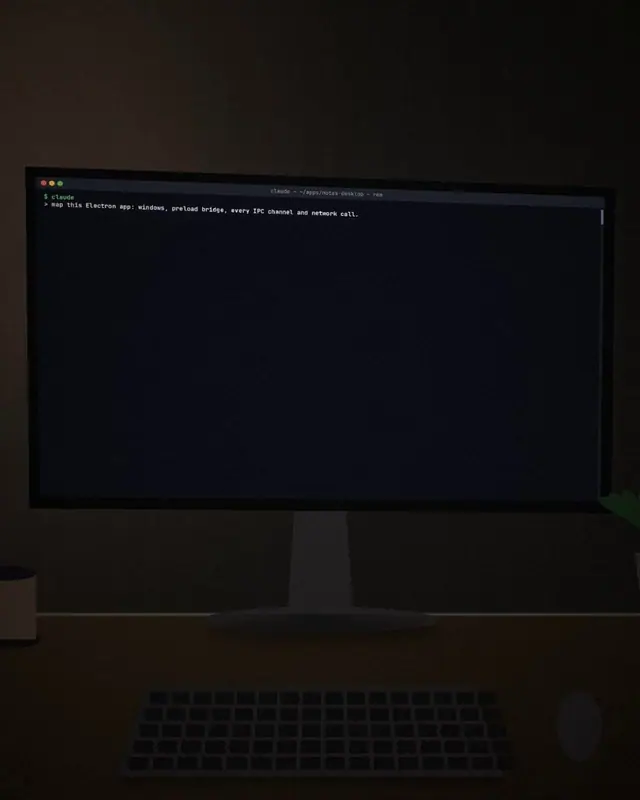
The author built a small Electron app with one window, one preload script, three bridge functions, three private channels and a deliberately hidden network call, then let REA analyse it without any hints. According to the post, REA recovered every one of those elements within about 30 seconds and cited the exact file, function and call behind each finding. The post presents REA as an open-source MCP server for Claude Code that inspects Electron apps, websites, Android APKs and (with Ghidra) native binaries, running the analysis locally, and walks through setup with `npx rea-agents setup` plus a first prompt for mapping windows, the preload bridge and IPC channels on an app you own.
 ▶ ♫