REA MCP
☰
KO
● — 명 접속 중 · 조회 — 회
후원사례 제출
X 게시물 · 작성자 Archive

미쳤다고 해도 좋지만 이제 꽤 명확하다. rea + mitmproxy는 더 많은 것을 드러낼 것이다

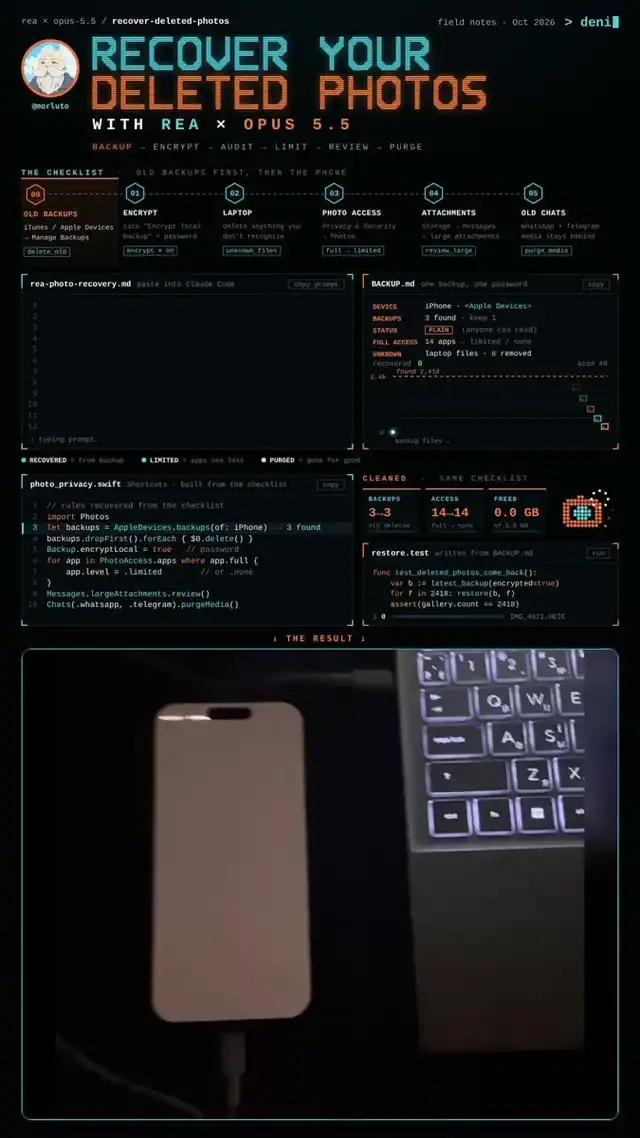
mitmproxy와 rea-agents를 함께 사용하는 방법을 보여주는 글: 앱의 네트워크 세션을 .har 파일로 캡처하고, npx rea-agents setup을 실행한 뒤, Claude Code에 사용자 데이터를 담은 모든 요청과 그것을 보낸 코드를 나열하라고 요청한다.

A
Archive@ArchiveExplorer

1/

call me crazy but its pretty clear now. rea + mitmproxy is going to expose more apps in 2026 than every data leak combined. mitmproxy records everything an app sends over the network. rea reads that recording and points at the exact code that sent it. so you dont just see "something phoned home". you see what left, where it went, and which part of the app did it. if this lands on your timeline dont scroll past it. heres the 60-second setup, free: 1. install mitmproxy and point one app on your own machine at it 2. save the session as a .har file 3. run npx rea-agents setup 4. tell claude code: "read session.har with rea. list every request that carries my data and the code that sent it" run it on the apps you already trust. thats where it gets uncomfortable. thats it. thank me later. most people will never check what their apps send. the ones who do will stop trusting the rest. simple as that.

번역 완료

이 사례에 대하여

미쳤다고 해도 좋지만 이제 꽤 명확하다.

rea + mitmproxy는 2026년에 모든 데이터 유출을 합친 것보다 더 많은 앱을 드러낼 것이다.

mitmproxy는 앱이 네트워크로 보내는 모든 것을 기록한다. rea는 그 기록을 읽고 그것을 보낸 정확한 코드를 가리킨다. 그래서 “뭔가 집으로 전화했다”만 보는 게 아니라, 무엇이 나갔고 어디로 갔으며 앱의 어느 부분이 했는지를 본다. 이게 네 타임라인에 뜨면 그냥 지나치지 마라.

다음은 60초 설정이며 무료다:

  1. mitmproxy를 설치하고 네 머신에 있는 앱 하나를 그것으로 향하게 한다
  2. 세션을 .har 파일로 저장한다
  3. npx rea-agents setup을 실행한다
  4. Claude Code에게 말한다: “rea로 session.har를 읽어. 내 데이터를 담은 모든 요청과 그것을 보낸 코드를 나열해”

이미 신뢰하는 앱에서 실행해 봐라. 거기서 불편해진다.

그게 전부다. 나중에 고마워해.

대부분의 사람은 자신의 앱이 무엇을 보내는지 절대 확인하지 않는다. 확인하는 사람들은 나머지를 신뢰하지 않게 될 것이다. 그렇게 간단하다.

설정

설치 방법은 원본 출처를 확인하세요.

원문 / README

call me crazy but its pretty clear now.

rea + mitmproxy is going to expose more apps in 2026 than every data leak combined.

mitmproxy records everything an app sends over the network. rea reads that recording and points at the exact code that sent it. so you dont just see "something phoned home". you see what left, where it went, and which part of the app did it. if this lands on your timeline dont scroll past it.

heres the 60-second setup, free:

  1. install mitmproxy and point one app on your own machine at it
  2. save the session as a .har file
  3. run npx rea-agents setup
  4. tell claude code: "read session.har with rea. list every request that carries my data and the code that sent it"

run it on the apps you already trust. thats where it gets uncomfortable.

thats it. thank me later.

most people will never check what their apps send. the ones who do will stop trusting the rest. simple as that.
비슷한 프로젝트