morluto@morluto
morluto/rea
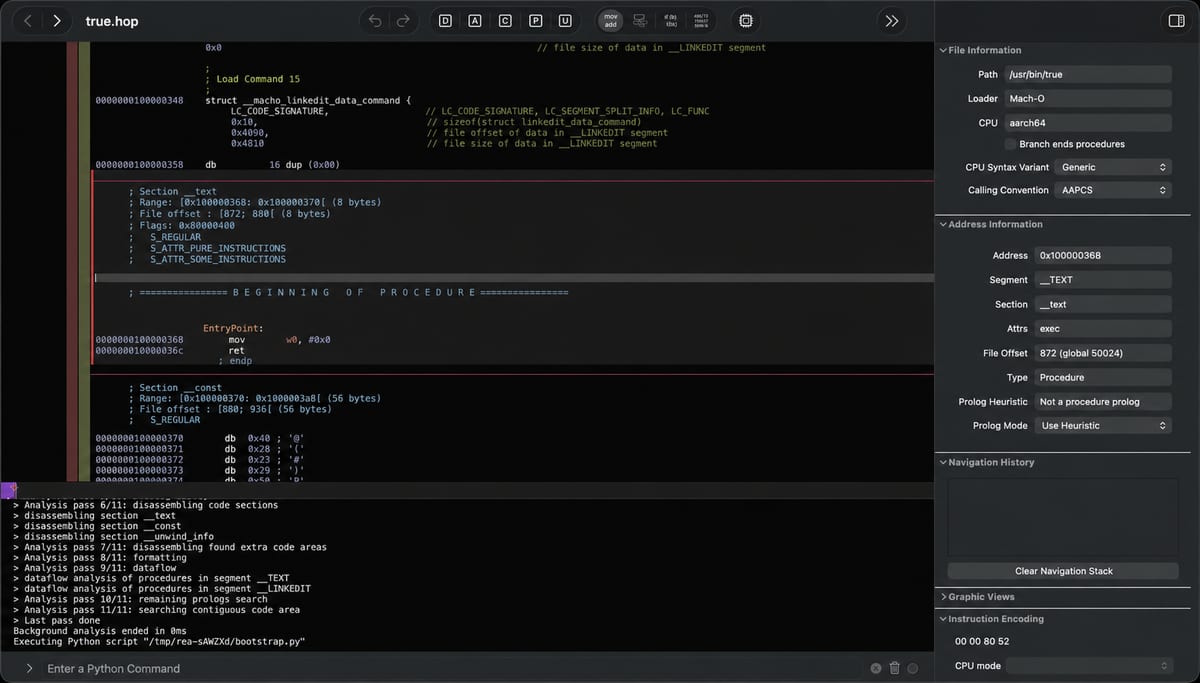
Reverse engineer anything with agents, from app behavior down to native binaries.
morluto/rea
REA is an open-source MCP server for reverse engineering: it lets an AI agent analyse software, from app behaviour down to native binaries. It is MIT licensed (third-party material keeps its own licences). Project site: https://rea.tools
Run npx rea-agents setup. It lets you choose your agents, review the proposed changes and approve them; it adds REA's MCP server and workflow instructions and backs up your existing configuration. Restart your agent afterwards. Named agents: Claude Code, Codex, Cursor, Gemini CLI and Grok Build; other MCP clients can register it manually (see the project documentation).
For the terminal: npm install --global rea-agents, then rea --help.
Native binaries (through Hopper, Ghidra or IDA), JavaScript and Electron apps, websites, .NET assemblies, Android APKs and devices, Flutter apps, Go binaries, WebAssembly, EVM bytecode, SQLite databases, firmware, packet captures, logic recordings, Linux crash recordings, process behaviour and HAR / mitmproxy captures. Each target type has its own requirements.
The project states that REA is for lawful research, education, interoperability, software preservation and analysis of software you own or are authorised to examine. It grants no licence for commercial tools; cracked copies, stolen keys and licence bypassing are not authorised.
This entry is the official project. REA MCP (this site) is an unofficial community directory and is not affiliated with it.
目前的安裝步驟請以專案的 README 為準,指令可能會變動。
npx rea-agents setup
REA is an open-source MCP server for reverse engineering: it lets an AI agent analyse software, from app behaviour down to native binaries. It is MIT licensed (third-party material keeps its own licences). Project site: https://rea.tools
Run npx rea-agents setup. It lets you choose your agents, review the proposed changes and approve them; it adds REA's MCP server and workflow instructions and backs up your existing configuration. Restart your agent afterwards. Named agents: Claude Code, Codex, Cursor, Gemini CLI and Grok Build; other MCP clients can register it manually (see the project documentation).
For the terminal: npm install --global rea-agents, then rea --help.
Native binaries (through Hopper, Ghidra or IDA), JavaScript and Electron apps, websites, .NET assemblies, Android APKs and devices, Flutter apps, Go binaries, WebAssembly, EVM bytecode, SQLite databases, firmware, packet captures, logic recordings, Linux crash recordings, process behaviour and HAR / mitmproxy captures. Each target type has its own requirements.
The project states that REA is for lawful research, education, interoperability, software preservation and analysis of software you own or are authorised to examine. It grants no licence for commercial tools; cracked copies, stolen keys and licence bypassing are not authorised.
This entry is the official project. REA MCP (this site) is an unofficial community directory and is not affiliated with it.

在 Fedora 系 Linux 上跑 REA 的實作筆記,記錄遇到的問題與待測清單。
討論如何在 REA 工作流程中減少 token 浪費,以及大家各自的做法。

以中文撰寫的深度調研,說明 REA 如何讓程式碼代理人在沒有原始碼的情況下分析軟體。