Gideon145@Gideon145
Gideon145/rea-writeups
Gideon145/rea-writeups
一系列短篇紀錄,格式一致:目標、方法,以及 REA 產出的證據。
安裝方式請查看原始來源。
Reverse engineering case studies produced with REA (Reverse Engineer Anything).
Each post follows the same discipline: a target, a method, the evidence REA produced, and the honest limitations. Every analysis runs locally and every claim is backed by an artifact digest.
REA runs from the terminal with no cloud dependency:
npx -y rea-agents@latest analyze-javascript-application "<target path>" --json
Native targets (binaries, APKs, firmware) additionally use Hopper, Ghidra or
IDA where available. See posts/ for per-target commands.
Every graph edge REA returns carries a SHA-256 digest of the artifact it came from, the source range, the extractor version, a confidence level and a limitation note. The point of these writeups is to show that reasoning, not just results.

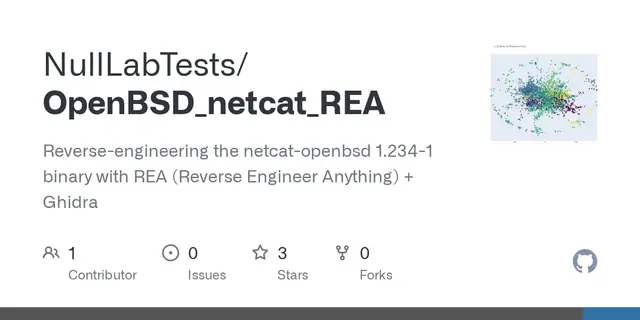
用 REA 搭配 Ghidra 對 Ubuntu 的 netcat-openbsd 執行檔做靜態分析,並附上每項發現的證據。

動手教學手冊:以最小的 Electron 目標為例,擷取附檔案行號的證據、探測 MCP 伺服器並重建功能。

跟著一支韓文影片做的練習:自己寫小型 Electron 應用與 C 程式,再用 REA、Ghidra 與 Claude Code 分析。